


AI-driven music video tips for rock & metal in 2026
- Travis B
- Apr 17
- 8 min read

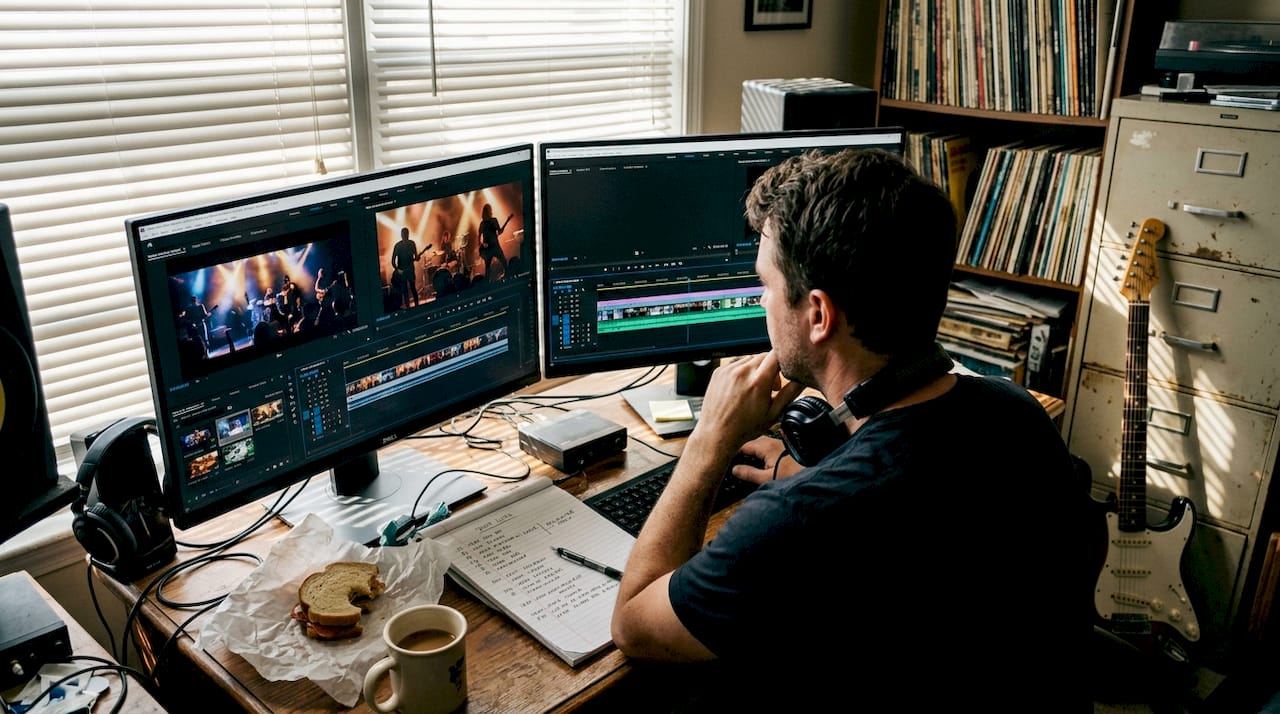
Making a music video in the rock and metal world has never been harder. The scene is packed, audiences are sharp, and a generic visual will get scrolled past in seconds. But here’s the thing: AI-driven video tools have changed what’s possible for independent musicians and content creators, and you don’t need a Hollywood budget to use them. We’ve been exploring these tools ourselves as we bring Winter Agony back with new music, and what we’ve found is genuinely exciting. This guide walks through practical, experience-backed tips for using AI to build music videos that hit as hard as the songs behind them.
Table of Contents
Key Takeaways
Point | Details |
Start with concept | Clarifying your video’s artistic intent ensures you select the right AI tools for your style. |
Use audio-reactive tools | Solutions like Neural Frames and Beatviz can sync visuals dynamically with music for high impact. |
Blend AI and human editing | Keeping a human touch through curation and manual tweaks prevents generic results. |
Let AI support, not substitute | View AI as a creative partner that amplifies your ideas rather than replaces your vision. |
Define your creative vision: Abstract, narrative, or hybrid
Before you open a single tool, you need to know what you’re actually trying to say. This sounds obvious, but it’s the step most creators skip, and it’s why so many AI videos end up looking the same. The tool doesn’t know your song. You do.
There are three main creative directions you can take:
Abstract: Atmospheric visuals, shifting colors, morphing textures. This works especially well for doom metal, black metal, or any track that’s more about mood than story.
Narrative: A clear arc, characters, scenes that follow the song’s emotional journey. Rock tracks with strong lyrical themes tend to carry this well.
Hybrid: Real footage of the band or live performance layered with AI-generated effects. This keeps things authentic while adding something visually unexpected.
The hybrid approach is where we’ve landed most often. Blending real video with AI-generated overlays prevents that cold, distant feeling that can creep in when everything is fully synthetic. As Beatviz explains, planning your concept first, whether abstract for metal atmospheres or narrative for rock stories, is essential before touching any tool, because AI enhances iteration and access but risks homogenization without human curation.
“The tool doesn’t make creative decisions. You do. The best AI videos feel human because a human was steering the whole time.”
Before you pick a tool, work through these questions:
What is the core emotional message of the song?
What mood should the viewer feel at the end?
Are there specific images or scenes that already exist in your head?
Do you have live footage you want to incorporate?
What’s your genre’s visual language, and do you want to honor or break it?
Pro Tip: Write a one-paragraph visual brief for your song before you touch any software. Treat it like a director’s note. It keeps you from chasing shiny outputs that don’t serve the track.
Top AI tools for rock and metal videos
Once your vision is locked, you need the right tools. Not every AI video platform is built for the intensity of rock and metal. You need something that can keep up with fast tempos, heavy drops, and the kind of raw energy that defines the genre.
Here’s a breakdown of the two tools we’ve seen get the most traction in this space:
Tool | Best for | Key feature | Pricing model |
Neural Frames | Deep audio-to-visual sync | 8-stem audio analysis | Subscription tiers |
Beatviz | Rhythm and tempo visualization | Live footage overlays | Pay-per-video or subscription |
Neural Frames is built around audio reactivity at a granular level. It doesn’t just react to the overall volume of your track. It breaks your song into individual stems, meaning drums, bass, guitars, and vocals are each mapped separately to visual motion and cuts. For a metal breakdown or a rock chorus that shifts dynamics dramatically, this is a serious advantage.
Beatviz leans into rhythm and tempo analysis, making it strong for live footage overlays and stage visuals. If you’ve got performance footage you want to enhance rather than replace, Beatviz gives you tools to layer AI visuals directly onto real content. According to its design philosophy, Beatviz analyzes rhythm and tempo specifically for film and stage visuals, which makes it a natural fit for bands that want to keep the live energy intact.
Key things to look for in any AI video tool for rock or metal:
Audio-reactive rendering that responds to individual stems, not just overall loudness
Customizable visual styles that you can push beyond default templates
Export quality that holds up at full resolution for streaming platforms
Ability to import your own footage for hybrid workflows
Pro Tip: Run a 30-second test clip before committing to a full render. Most platforms let you preview outputs, and this saves hours of processing time if the visual direction isn’t landing.
AI technique breakdown: Mapping intensity, motion, and cuts
Understanding how AI connects your audio to visuals is what separates creators who get interesting results from those who get generic ones. The core concept is audio reactivity, meaning the software reads your song’s structure and triggers visual changes based on what it hears.
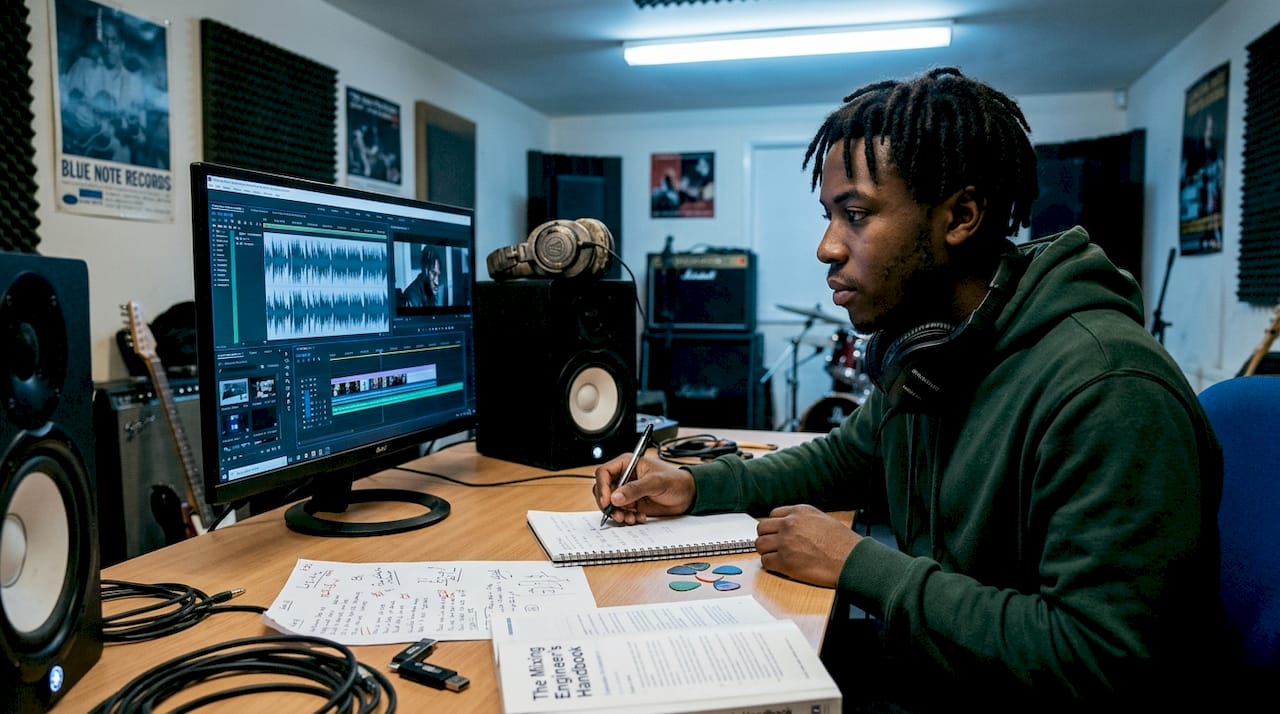
Here’s how the mapping typically works in practice:
Song element | Visual trigger |
Drum hit | Camera shake or flash cut |
Bass drop | Color shift or zoom |
Vocal peak | Texture morph or light burst |
Guitar riff | Motion speed change |
Silence or pause | Freeze frame or slow fade |
Tools like Neural Frames use 8-stem audio analysis to map motion and cuts to your music’s structure, which is ideal for rock and metal where energy peaks and drops are frequent and intense.
Here’s a simple process to follow when building your AI video:
Analyze your track. Upload your audio and let the tool identify stems, tempo, and dynamic peaks. Review the analysis before generating anything.
Map intentionally. Don’t accept default mappings. Assign specific visual behaviors to specific song elements based on your creative brief.
Generate a rough cut. Run a first pass and watch it against the music without judgment. Note what’s working and what feels off.
Iterate with purpose. Adjust mappings, swap visual styles, and re-render sections that don’t land. AI makes this fast, so use that speed.
Layer in human edits. Bring the output into your editing software and add manual cuts, color grading, and any real footage you planned to include.
Rock and metal audiences notice when the visual energy doesn’t match the sonic energy. Getting the mapping right is what makes the difference between a video that feels alive and one that just plays alongside the music.
Curation and human touch: Avoiding the AI ‘template’ trap
Even with the best tools and the most precise audio mapping, AI video can start to feel predictable if you’re not actively steering it. This is the part that a lot of creators underestimate. The output is only as interesting as the choices you make around it.
The risk is real. AI enhances iteration and access but risks homogenization without human curation, and in a genre like rock and metal, where authenticity is everything, that homogenization is career-limiting.
Here’s how to keep your AI video feeling genuinely yours:
Swap in real footage. Even 10 to 20 seconds of actual band footage grounds the video in reality and breaks the synthetic feel.
Customize visual styles aggressively. Don’t accept the first output. Push color palettes, motion speeds, and texture choices until it reflects your band’s identity.
Layer manual effects. Use your editing software to add grain, lens flares, or distortion that matches your genre’s visual language.
Cut against the AI’s rhythm sometimes. Deliberately placing a cut where the AI didn’t suggest one can create tension that feels intentional and human.
Reference your visual brief constantly. Every time you make a decision, check it against the brief you wrote before you started.
“The bands that stand out with AI video aren’t the ones using the best tools. They’re the ones making the most deliberate choices.”
Rock and metal fans have a sharp eye for what’s real and what’s lazy. They’ve always valued the DIY spirit, the raw edge, the sense that someone actually cared enough to fight for the vision. AI doesn’t replace that. It just gives you more ways to execute it, faster.
Why AI is your creative ally, not your replacement
We want to be straight with you about something. When we started looking at AI tools for Winter Agony’s new material, there was skepticism in the room. The concern was that AI would flatten everything, that every band would start sounding and looking the same. That concern isn’t wrong, but it’s also not the full picture.
The bands and creators getting the most out of AI video right now are the ones treating it like a collaborator, not a vending machine. You put in a clear vision, you make deliberate choices, you stay hands-on through the whole process, and what comes out can genuinely surprise you. Fast iteration means you can try ten visual directions in the time it used to take to try one. That’s not a shortcut. That’s creative freedom.
The misconception that AI makes everything generic is outdated. Generic outputs come from generic inputs. If you bring your genre’s culture, your band’s specific story, and your own hard-earned aesthetic sensibility to the process, the results reflect that. AI doesn’t erase your identity. It amplifies whatever you bring to it. So bring something worth amplifying. Experiment, fail fast, break the conventions of what a rock or metal video is supposed to look like, and use these tools to go places you couldn’t afford to go before.
Bring your vision to life with Winter Agony
If this guide has sparked something for you, we’d love for you to go deeper into the world of rock and metal artistry that’s pushing creative limits right now.
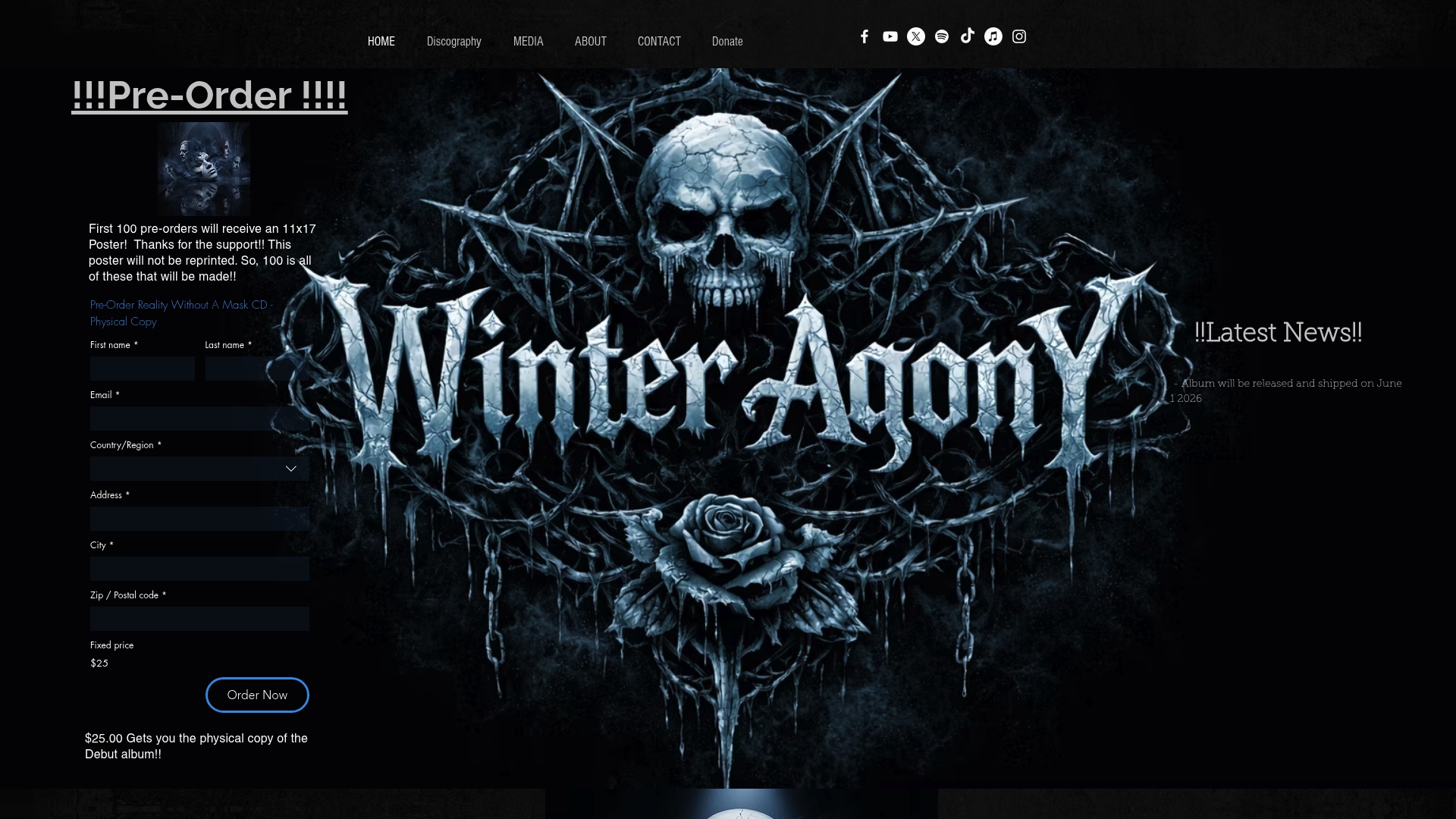
Winter Agony has been part of the US Emotional Rock Scene since 2005, and our reunion brings not just new music but a genuine commitment to using AI as a creative tool without losing the raw honesty that defines us. Explore the Winter Agony discography to hear where we’ve been and where we’re headed. Whether you’re building your first AI video or refining your tenth, the creative community around rock and metal is the best place to push your limits. Come be part of it.
Frequently asked questions
What is the best AI tool for music videos in the rock or metal genre?
Neural Frames and Beatviz are the top choices, offering deep audio-reactive features perfectly suited for the genre’s dynamic sound and live performance energy.
How do I prevent my AI video from looking generic?
Blend manual editing and genre-specific imagery with AI outputs, and always customize beyond default templates. AI risks homogenization without active human curation at every stage.
Can AI handle fast tempo and complex song structures?
Yes. Top AI tools use 8-stem audio analysis to keep visuals in sync with individual stems and rhythm changes across complex structures.
Is AI video creation affordable for independent musicians?
Most platforms now offer subscription or pay-per-video plans, making advanced visuals accessible on any budget. AI tools are accessible even for artists working without label support.
Recommended
Comments